Everything it does.
Screenshots of the real app, not mock-ups.
It reads the question off your screen
One button reads the question and your working from a PDF, textbook site, Google Classroom or DeltaMath, then starts at the first line that goes wrong.
It sees only the tab or window you're in, only when you ask, and keeps nothing afterward (privacy policy).
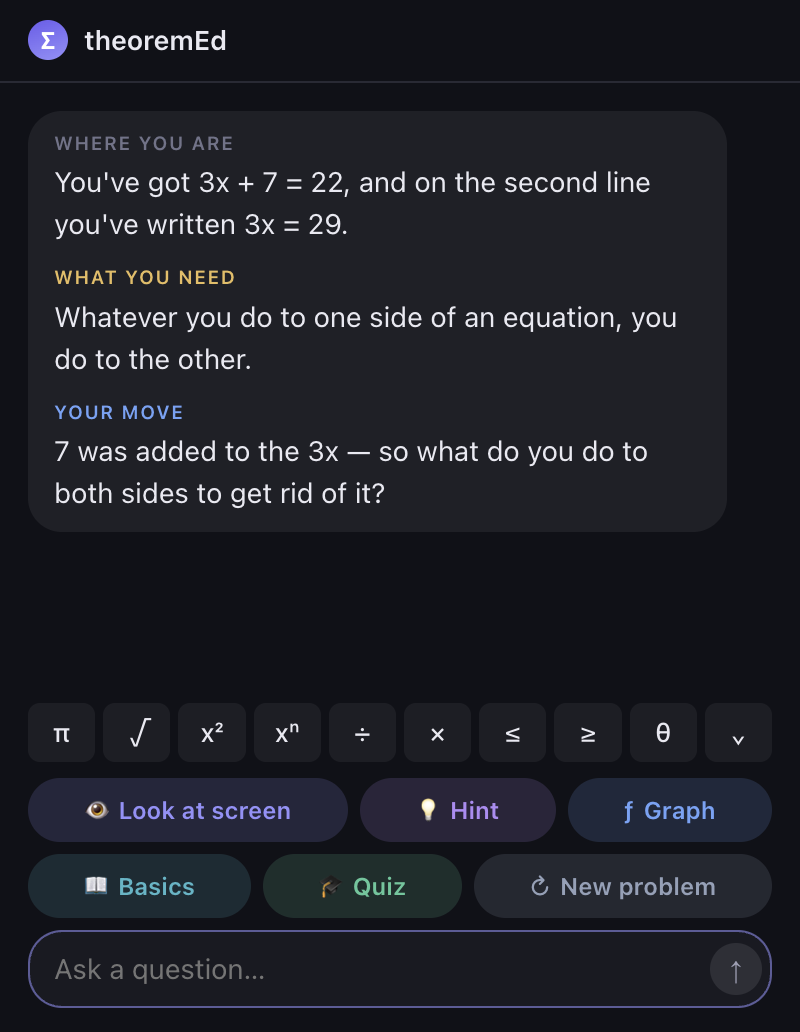
Ask it outright. It still declines
Not when you insist, run out of time, or say your teacher allows it. No setting turns it off. It will check an answer you worked out.
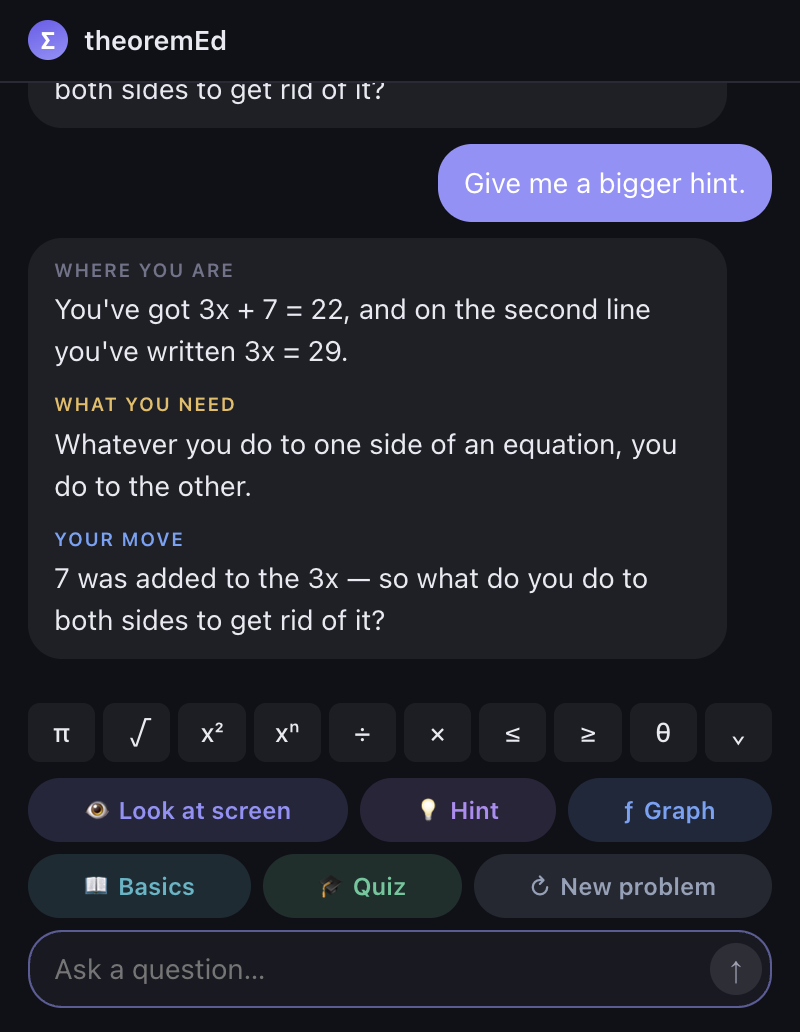
Stuck? Four levels of hint: what you notice, the idea you're missing, the rule, then the step set up, stopping right before you take it.
A graphing calculator, built in
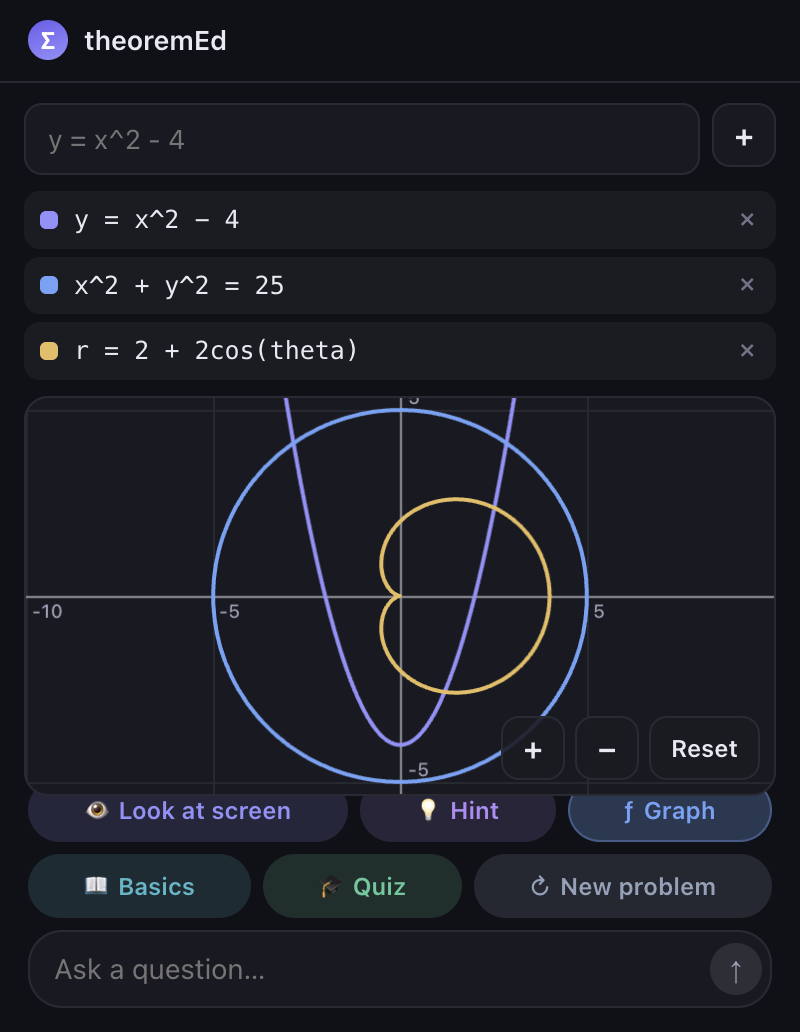
Type an equation and it draws: functions, circles, ellipses, shaded inequalities, polar and parametric. Pan, zoom, and hover to read an exact point.
Tested on what you actually did
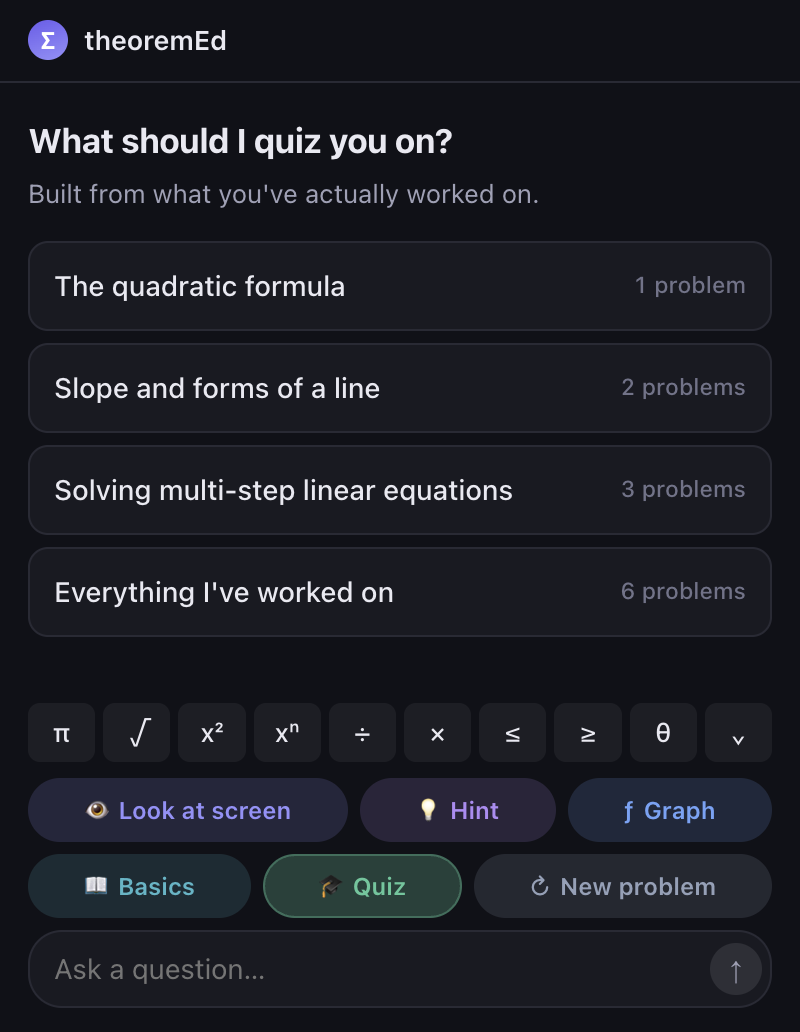
Built from the problems you worked on and where you needed help. It marks each answer, names the wrong step without fixing it, and tells you straight if you're ready for the test.
And the rest
Real notation
189 math symbols: a quick row plus six keypads. Type it the way it's written.
86 topics of basics
Fractions to eigenvalues, for the gaps from earlier years. Read them all.
Careful language
No "just", "simply" or "as you know". Those make stuck students stop asking.
Pre-algebra to college math
Calculus I to III, differential equations, linear algebra, stats and proofs too. Math only: asked anything else, it says so and goes back to the problem.
Mac and Chrome
The Mac app reads any window. The extension runs on a school Chromebook.
No account
It never asks for a name, email or age.
That's all of it. No ads, and no button that hands over an answer.
Get theoremEd